If you’re a small business owner, it’s normal to want to handle quick website fixes yourself. A simple text change? Great. Swapping a photo? Totally doable.
But some “small” changes can accidentally cause downtime, broken layouts, lost leads, or SEO drops — especially when you’re not 100% confident or you’re making changes under stress.
Below are 12 website tasks you should avoid DIYing (unless you’re comfortable and have a rollback plan), plus what to delegate and what you can safely do yourself.
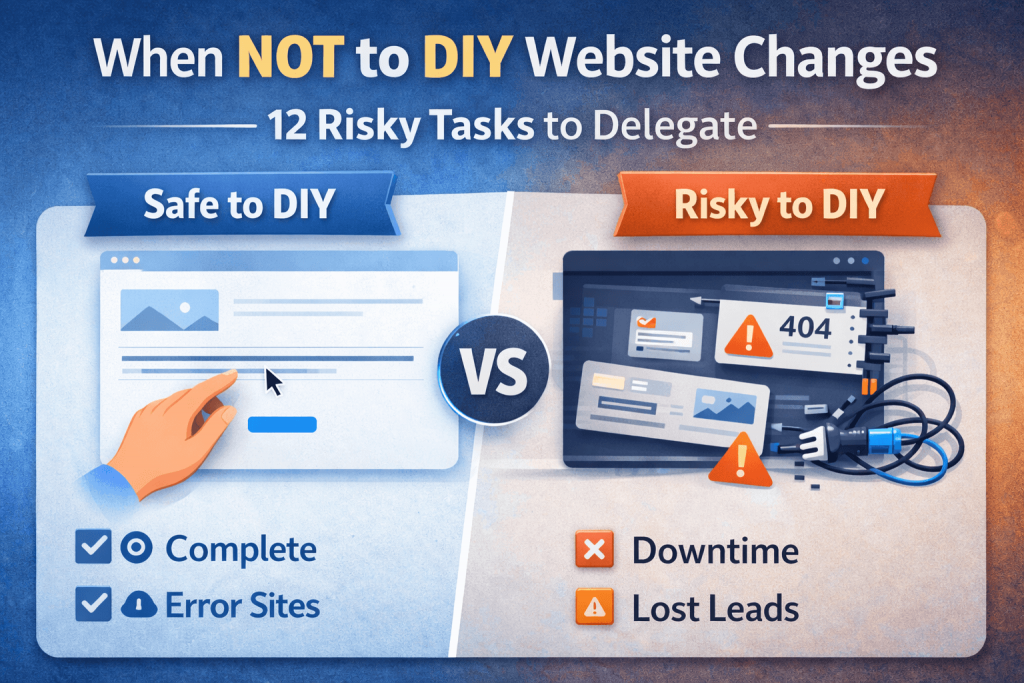
What you can safely DIY (most of the time)
These are usually low-risk if you stay inside your page editor and don’t touch settings:
- Update text, hours, staff bios, pricing (on-page content)
- Swap images (optimized, reasonable file sizes)
- Publish blog posts
- Add a new FAQ section or testimonials
- Add internal links between pages and posts
If you’re doing those: you’re already winning.
12 website tasks you should NOT DIY if you don’t feel confident
1) Changing your domain’s DNS settings
Why it’s risky: A small DNS mistake can take your site and email offline.
Delegate: Any changes involving A records, CNAME, MX records, nameservers, CDN.
If you must DIY: Screenshot current DNS first and know how to revert.
2) Site migrations (moving hosts or moving platforms)
Why it’s risky: It’s easy to lose SEO, break links, or bring over the site “wrong.”
Delegate: WordPress migrations, Shopify theme migrations, domain moves.
Common damage: Missing images, broken permalinks, duplicated pages, no redirects.
3) Editing theme files or “quick code snippets” you found online
Why it’s risky: One line can break your theme, layout, or checkout.
Delegate: Theme edits, custom functions, Liquid changes, child theme setup.
Better approach: Use a staging site or a safe snippets/plugin workflow.
4) Installing a bunch of plugins/apps to “solve everything”
Why it’s risky: Conflicts, performance slowdowns, security risks, unexpected costs.
Delegate: Plugin/app evaluation and cleanup.
Rule of thumb: Fewer, stronger tools > many random ones.
5) Changing URL structure (permalinks) or slugs sitewide
Why it’s risky: This can create a wave of 404 errors and rankings drops.
Delegate: Any permalink or structure changes.
If you DIY: You must create redirects for old URLs.
6) Redirects (especially bulk redirects)
Why it’s risky: Wrong redirects can create loops, kill pages, or confuse Google.
Delegate: Redirect planning + implementation.
Typical use cases: rebrands, page removals, blog restructuring.
7) Robots.txt, noindex tags, and indexing settings
Why it’s risky: You can accidentally tell Google not to show your site.
Delegate: Anything related to indexing and crawl settings.
DIY-safe: Submitting your sitemap in Google Search Console (with guidance).
8) “One-click speed optimization” setups
Why it’s risky: Caching/minification can break design, scripts, and forms.
Delegate: Performance optimization + Core Web Vitals improvements.
DIY-safe: Compress images and remove unused huge videos from pages.
9) Security changes you don’t understand
Why it’s risky: Lockouts, broken logins, false sense of security.
Delegate: Security hardening, malware cleanup, firewall rules, backup strategy.
DIY-safe: Use strong passwords + enable 2FA where possible.
10) Payment, checkout, shipping, or tax settings
Why it’s risky: You can lose sales without noticing right away.
Delegate: WooCommerce/Shopify checkout + payment configuration changes.
DIY-safe: Changing product descriptions and photos (not the payment logic).
11) Email deliverability and SMTP changes
Why it’s risky: Order confirmations and contact forms can stop arriving.
Delegate: SMTP + SPF/DKIM/DMARC setup, “from” address alignment, testing.
DIY-safe: Updating the email address displayed on your Contact page.
12) Anything “live” without a rollback plan
Why it’s risky: A tiny mistake can turn into an emergency.
Delegate: Changes that affect your homepage, headers, navigation, or templates.
Best practice: Staging environment + backups + tested deployment.
A simple rule: if it affects sales, traffic, or uptime — don’t gamble
Ask yourself:
- Could this break checkout, forms, booking, or phone clicks?
- Could this create downtime?
- Could it remove pages from Google?
If the answer is “maybe”… it’s a delegate task.
What to delegate to a webmaster (quick list)
- Backups, monitoring, updates (monthly maintenance)
- Fixes (layout issues, broken forms, plugin conflicts)
- Performance/Core Web Vitals improvements
- Technical SEO (redirects, indexing, structured cleanup)
- Migrations, DNS, email deliverability
If you want to DIY — do it the “safe way”
Here’s the safer workflow:
- Backup first (or confirm your host backups work)
- Change one thing at a time
- Test on mobile + desktop
- Check forms + checkout (if applicable)
- If something breaks, rollback immediately
Need help choosing what to DIY vs delegate? Contact me.