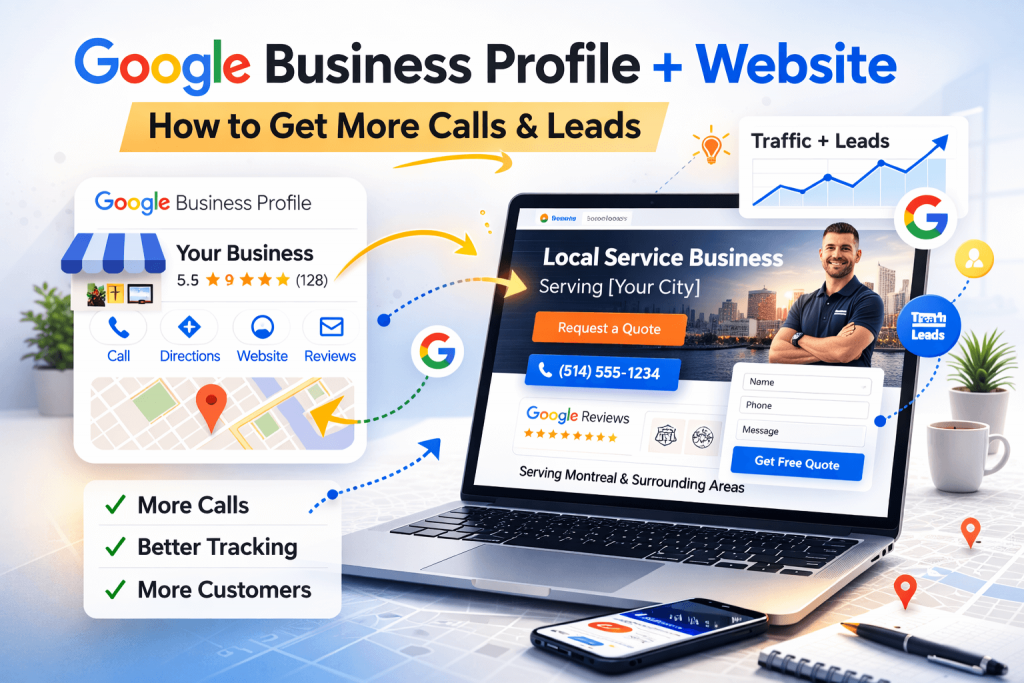
If you’re a small business owner, your Google Business Profile (GBP) is often the first thing people see—before they ever land on your website. The good news: when your profile and website are connected the right way, you’ll get more calls, more quote requests, and cleaner tracking (so you know what’s working).
This guide shows you how to link everything together in a simple, “no agency” way.
Why connecting GBP to your website matters
When GBP and your site work as one system, you get:
- More people landing on the right page (not just your homepage)
- Better local SEO signals (Google understands your services + location better)
- Clearer tracking for calls, form submissions, and “direction” clicks
- Fewer wasted visits and more real leads
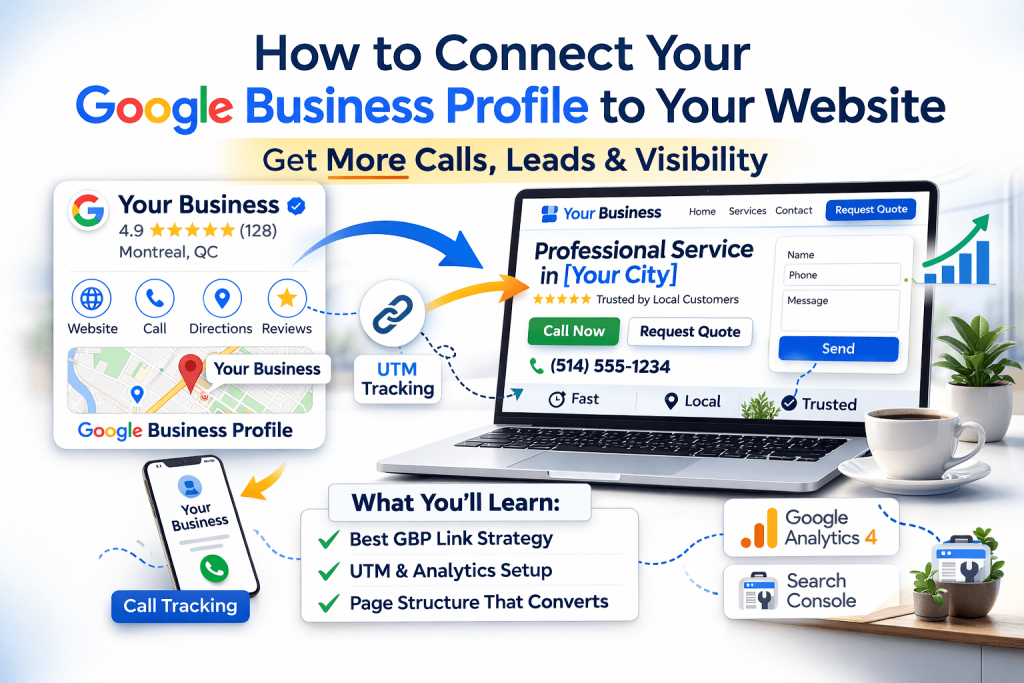
Step 1: Make sure your website link in GBP is correct
Go to your Google Business Profile and verify:
- Website URL is correct (https, correct domain, correct version www/non-www)
- If you have multiple locations, each location should point to its own location page (not one generic page)
Best practice:
- Single-location business → link to homepage or a “Service + City” page
- Multi-location business → link to that specific location landing page
Step 2: Link GBP to the best page (not always the homepage)
If your main goal is calls/leads, link to a page that answers “Am I in the right place?”
For example:
- “Plumber in Laval” →
/plumbing-laval/ - “Dentist in Montreal” →
/montreal-dentist/ - “Webmaster support in Montreal” →
/webmaster-montreal/
That page should include:
- Clear phone number + “Request quote” button near the top
- Services list
- Service area / city references (natural, not spammy)
- Testimonials (even 2–3 helps)
- A simple contact form
Step 3: Add tracking (UTM) to your website link
Without tracking, traffic from GBP often shows up as “Direct” or mixed traffic. UTMs fix that.
Use a tracking link format like this:https://yourdomain.com/?utm_source=google&utm_medium=organic&utm_campaign=gbp
If you link to a specific service page:https://yourdomain.com/service-page/?utm_source=google&utm_medium=organic&utm_campaign=gbp
Tip: Keep it consistent. Don’t change the UTMs every week or your data becomes messy.
Step 4: Track calls and form submissions properly
GBP can drive calls two ways:
- User clicks Call in your profile (mobile)
- User visits your site and calls from there
What to set up on your website:
- Clickable phone link (
tel:) in header and contact section - Thank-you page (or success message event) for the contact form
- GA4 events for:
- Phone clicks
- Form submissions
If you don’t want to touch code, many form plugins + GA4 integrations can track this, but the cleanest setup is usually:
- GA4 + Google Tag Manager (optional, but best long-term)
Step 5: Connect your website to Google Search Console
This is a must for small business websites.
Why it helps:
- Shows if pages are indexed
- Shows what queries bring traffic
- Helps catch technical issues early (coverage, sitemaps, mobile problems)
Checklist:
- Verify your domain property in Google Search Console
- Submit sitemap (
/sitemap_index.xmlfor many WordPress sites) - Check indexing status for your key pages (service pages, contact page)
Step 6: Make sure GBP info matches your website
Google loves consistency. Make sure this matches exactly:
- Business name (don’t stuff keywords)
- Address (same formatting)
- Phone number
- Hours of operation
Put the same NAP (Name/Address/Phone) in your website footer or contact page.
Step 7: Add local trust signals on your website
This is where small business sites win.
Add:
- Google reviews embed or testimonials (don’t fake them)
- Photos of your work/team (real photos beat stock photos)
- Service area list (cities/areas you actually serve)
- A short “About” section that sounds like a human wrote it
Quick checks (5 minutes)
Use this quick checklist:
- ✅ GBP website link goes to the correct page
- ✅ Page loads fast on mobile
- ✅ Phone number is tappable
- ✅ Contact form works (test it!)
- ✅ UTMs are applied and visible in GA4 traffic sources
- ✅ Search Console is connected and sitemap submitted
Common mistakes to avoid
- Linking GBP to a slow, heavy homepage with no clear CTA
- Using multiple different UTMs randomly
- Not testing the contact form
- Inconsistent phone number across profile + site
- Having no location/service page for your main keyword
If you want the fastest improvement
The quickest win is usually:
- Create one strong “Service + City” landing page
- Link GBP to it using UTMs
- Track phone clicks + form submissions
That alone can increase real leads without spending on ads.
Need help connecting your Google Business Profile to your website?
Tell me your business type + main city, and I’ll suggest the best page to link, a clean UTM URL, and a simple landing-page structure that drives calls.