Homepage space is expensive. Every section needs to earn its spot — especially on small business sites where the goal is usually “help people understand what you do and contact you fast.”
So… should you add an FAQ section to your homepage?
Sometimes it’s a win (more trust, fewer objections, more leads). Other times it becomes a wall of text that pushes your most important content down.
Here’s a simple way to decide — plus examples, best practices, and a quick “what to include” checklist.
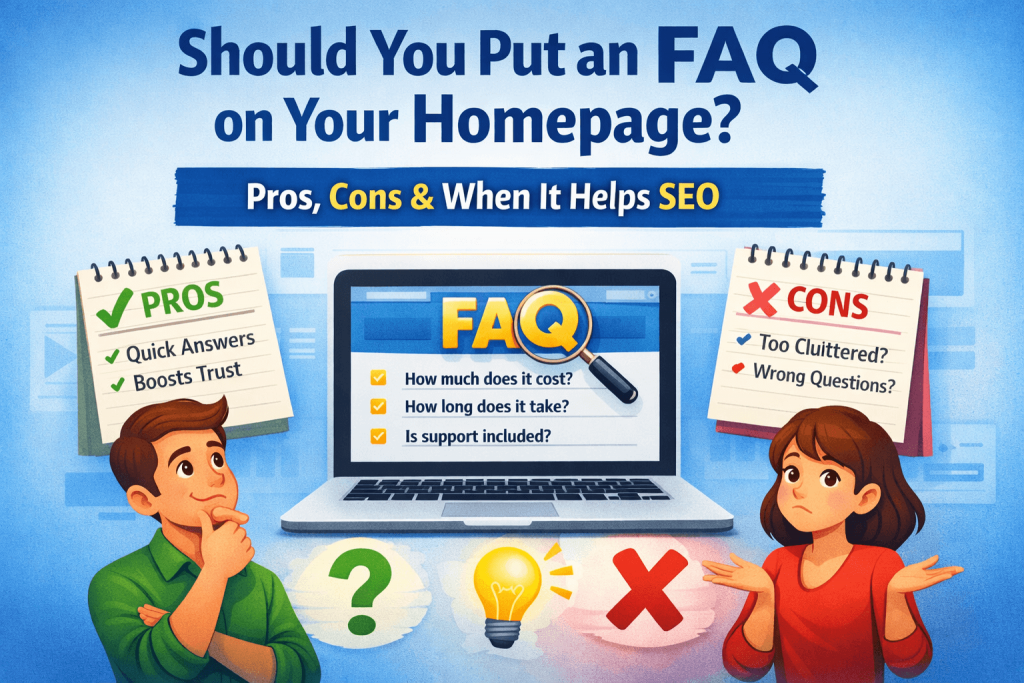
What a Homepage FAQ Is (and what it’s not)
A homepage FAQ is a small set of common questions (usually 4–8) that answers the main concerns a visitor has before they contact you.
It’s not meant to replace a full FAQ page, policy pages, or detailed service pages. Think of it as a confidence booster and an objection remover.
When a Homepage FAQ is a good idea
A homepage FAQ tends to work best when visitors commonly hesitate for predictable reasons.
1) You get the same questions over and over
If you keep answering the same “how does this work / what does it cost / how fast can you start” messages — put those answers on the homepage.
Examples:
- “Do you offer monthly plans or one-time fixes?”
- “How fast can you handle urgent issues?”
- “Do you work with WordPress / Shopify / Wix?”
2) Your service requires trust (or feels risky)
Anything involving payments, access, technical work, or contracts benefits from quick reassurance.
Examples:
- “Do you need my login details?”
- “Will this break my site?”
- “Is there a minimum commitment?”
3) People comparison-shop before contacting
If visitors are deciding between “hire a pro vs DIY” or “agency vs freelancer,” FAQs can handle those objections early.
Examples:
- “Do you work like an agency or hourly?”
- “Can you work with my existing theme?”
- “What’s included in maintenance?”
4) Your homepage traffic is mostly cold traffic
If you get visitors from Google, ads, or social — they often land with questions and uncertainty. FAQs help them decide faster.
5) Your offer has clear boundaries
FAQs are great when you can clearly define what you do and don’t do:
- platforms you support
- typical timelines
- how support works
- what happens next after someone contacts you
When you should NOT add an FAQ on the homepage
Sometimes the best move is to keep the homepage lean.
1) Your homepage is already long or confusing
If you already have:
- multiple CTAs,
- lots of text,
- too many sections…
…an FAQ may push the most important content down (the part people actually need to see).
2) You can’t answer clearly (yet)
If your answers are “it depends” to everything, the FAQ won’t help. Better to tighten the offer first.
3) The questions are policy-heavy
Refund policies, legal wording, or long explanations usually belong on separate pages (and linked from the homepage if needed).
4) Your service pages do the job better
If you already have strong service pages that answer objections clearly, a homepage FAQ can be redundant. In that case, a short “How it works” section may perform better.
Pros of a Homepage FAQ (why it can boost leads)
- Reduces friction: answers objections before they become a reason to leave
- Builds trust fast: shows you’ve worked with real clients and real scenarios
- Improves conversion rate: visitors feel “safe” contacting you
- Helps SEO indirectly: better engagement + clearer relevance around your services
- Cuts support load: fewer repetitive questions in email and forms
Cons of a Homepage FAQ (what can go wrong)
- Turns into a wall of text (especially on mobile)
- Competes with your main CTA if placed too high or too long
- Creates confusion if answers are vague, outdated, or overly technical
- Can feel “salesy” if the FAQ reads like marketing copy
The simplest decision rule
Add a homepage FAQ if:
- you can write 4–8 short answers that remove the biggest objections, and
- your homepage already has a clear structure (hero → services → proof → CTA).
Skip it if:
- it would make your homepage too long, or
- you don’t have clear, repeatable answers yet.
What questions should you include? (practical examples)
If you’re a service business (like 24web.ca’s audience), the best homepage FAQs usually cover:
- Pricing model: hourly vs monthly, what “starting at” means
- Timeline: how soon you can start, turnaround time for fixes
- What’s included: maintenance scope, what counts as “support”
- Platforms supported: WordPress/Shopify/Squarespace/Wix/Webflow (as relevant)
- Process: how requests are handled, communication, approvals
- Access & security: how you handle logins, backups, staging (simple wording)
Best practices: how to add an FAQ without cluttering your homepage
- Keep it to 4–8 questions max
- Answers should be 2–4 lines (link out for details)
- Use accordion/toggle style for clean mobile layout
- Place it after your core “what you do” + proof section
(usually after testimonials, or right before the final CTA) - End the FAQ with a simple CTA like:
- “Still not sure? Request support”
- “Tell me what’s broken — I’ll reply with next steps”
If you want the best of both worlds
A common setup that works really well:
- Homepage: short FAQ (5–7 questions)
- FAQ page: expanded answers + policies + deeper “how it works”
- Service pages: detailed answers specific to each service
Conclusion: should you add it?
A homepage FAQ is worth it when it removes hesitation and gets people to contact you faster.
If it’s going to become long, vague, or repetitive — skip it and focus on a clearer hero section, stronger proof (testimonials/results), and a cleaner CTA path.
If you’re not sure whether an FAQ belongs on your homepage, I can review your current layout and recommend the best placement (or suggest a tighter alternative like “How it works” or “What you get”).
Contact 24web.ca if need some web support.