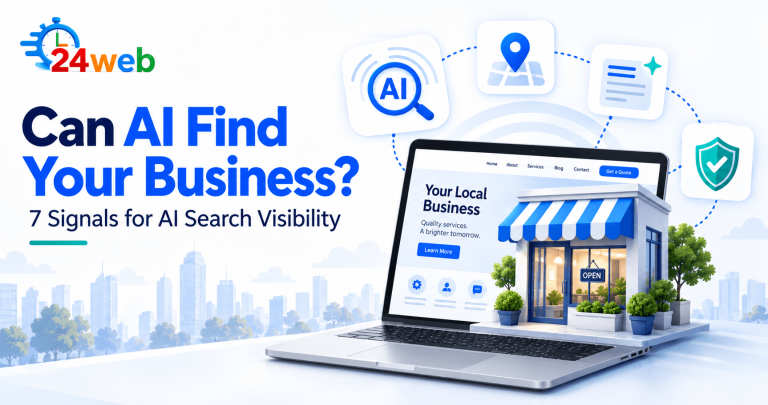
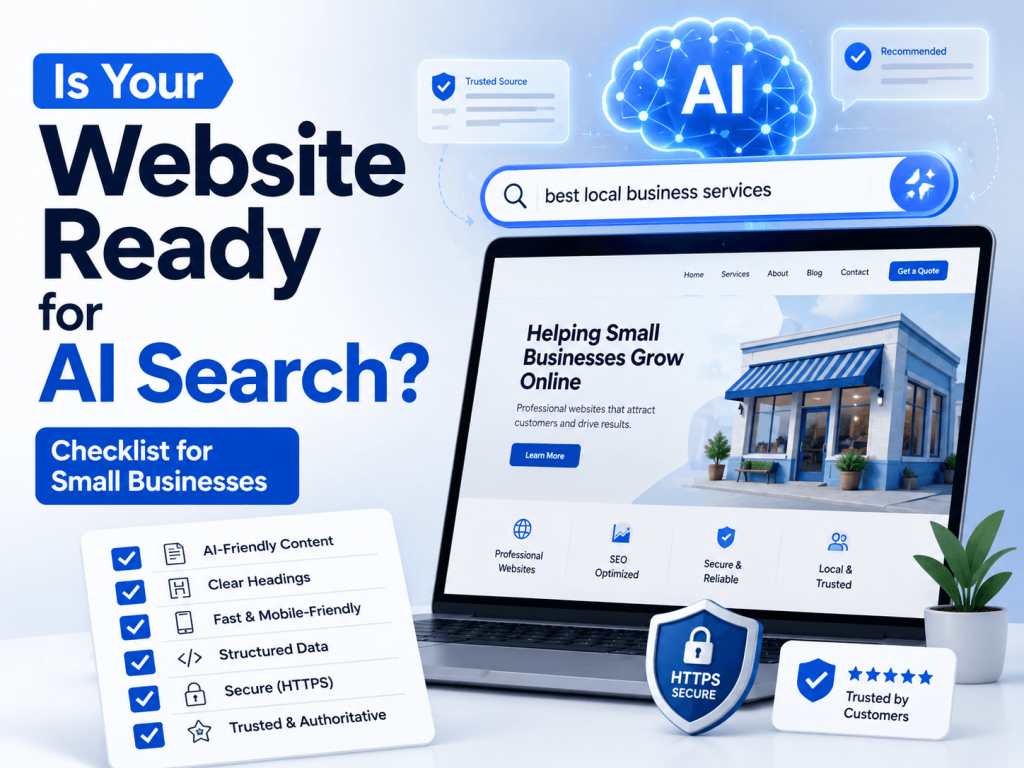
A clearer website is easier for people and AI search to understand.
Use this guide as a practical review, not a pass-or-fail test. Start with the sections that affect customers most, then improve the technical details over time.
The way people search online is changing.
Not long ago, most customers found a business by typing a few words into Google, scrolling through results, and clicking on a website. That still happens, of course — but now people are also using AI tools, voice assistants, map results, social media, and quick search summaries to decide which business to contact.
For small businesses, this means one important thing:
Your website needs to be clear, useful, trustworthy, and easy to understand — not only for people, but also for search engines and AI tools.
This does not mean you need a huge website or complicated technology. In many cases, a few simple improvements can make your website much stronger.
Here is a practical checklist to help you see whether your small business website is ready for AI search.
1. Is Your Business Information Clear?
Start with the basics.
Your website should clearly show:
- Your business name
- What you offer
- Where you are located
- What areas you serve
- How people can contact you
- Your opening hours, if relevant
This information should be easy to find, especially on your homepage, contact page, footer, and service pages.
If your website is vague, outdated, or missing important details, it becomes harder for customers — and search engines — to understand your business.
For example, instead of saying:
“We provide quality solutions for your needs.”
Say something clearer:
“We provide website maintenance, updates, and support for small businesses in Canada.”
Clear content helps people trust you faster.
2. Does Your Homepage Explain What You Actually Do?
Many small business websites look nice but do not clearly explain the business.
Your homepage should answer three questions quickly:
- What do you do?
- Who do you help?
- How can someone take the next step?
A good homepage does not need to be long, but it should be specific.
For example:
“We help local businesses keep their websites updated, secure, and easy to use.”
That is much better than generic text like:
“Welcome to our website. We offer professional services.”
AI search tools and search engines work better when your content is direct and specific.
3. Do You Have Dedicated Service or Product Pages?
If all your information is on one page, your website may be harder to understand.
Each important service or product category should ideally have its own page.
For example, a small business could have pages like:
- Website Maintenance
- Website Updates
- WordPress Support
- Shopify Support
- Local SEO
- Contact Form Fixes
- Speed Optimization
For a florist, restaurant, contractor, clinic, or online store, the same idea applies. Your main services, categories, or offers should not be hidden inside one general page.
Separate pages help search engines understand what you offer. They also help customers find exactly what they need.
4. Are Your Website Pages Written in Simple Language?
AI search does not mean your content should sound robotic. In fact, simple human language is better.
Avoid overcomplicated wording. Write the way your customers speak.
For example, instead of:
“Our company delivers comprehensive digital infrastructure optimization services.”
Say:
“We help small businesses improve, update, and manage their websites.”
Simple content is easier to read, easier to understand, and easier for search engines to interpret.
5. Do You Answer Common Customer Questions?
FAQ sections are useful for both customers and search visibility.
Think about the questions people ask before they contact you.
Examples:
- How much does it cost?
- Do you work with small businesses?
- How fast can you help?
- Do you work remotely?
- Do you offer monthly support?
- What areas do you serve?
For product-based businesses, common questions may include:
- Do you offer delivery?
- Can I order online?
- Can I include a gift message?
- How long does delivery take?
- Can I customize the product?
- What payment methods do you accept?
Clear answers can help your website appear for more searches and give customers confidence before they contact you.
6. Is Your Google Business Profile Connected and Consistent?
For local businesses, Google Business Profile is very important.
Your website and Google Business Profile should show consistent information:
- Business name
- Address or service area
- Phone number
- Website link
- Opening hours
- Services
- Business category
If your website says one thing and your Google profile says another, it can create confusion.
Consistency builds trust.
7. Does Your Website Show Trust Signals?
People are careful online. They want to know that your business is real and reliable.
Your website should include trust signals such as:
- Real contact information
- An About page
- Customer reviews or testimonials
- Photos of your work, products, team, or location
- A secure website connection
- Clear policies
- Social media links
- A professional email address
- Updated content
Trust matters even more now because customers are seeing more fake websites, outdated pages, and low-quality online information.
A trustworthy website helps people feel safe contacting you or buying from you.
8. Is Your Website Mobile-Friendly?
Most people check websites from their phones.
If your website is hard to use on mobile, you may lose potential customers quickly.
Check your website on your phone and ask yourself:
- Can I read the text easily?
- Are the buttons easy to tap?
- Does the menu work properly?
- Is the contact form simple?
- Does the page load quickly?
- Are images fitting the screen?
- Is the phone number clickable?
A website can look good on desktop but still perform poorly on mobile. For small businesses, mobile experience is not optional anymore.
9. Is Your Website Fast Enough?
Website speed affects both user experience and search performance.
A slow website can make people leave before they even see your offer.
Common causes of slow websites include:
- Large images
- Too many plugins
- Outdated themes
- Heavy sliders
- Poor hosting
- Unoptimized scripts
- Old code
You do not always need a complete redesign. Sometimes, improving images, removing unnecessary elements, and cleaning up the website can make a noticeable difference.
10. Is Your Website Updated Regularly?
An outdated website can hurt trust.
Customers may wonder:
- Is this business still active?
- Are the services still available?
- Are the prices current?
- Is the contact form working?
- Is this information reliable?
Regular updates help your website stay fresh.
This can include:
- Updating service pages
- Adding new blog posts
- Refreshing product descriptions
- Fixing broken links
- Replacing old images
- Updating FAQs
- Checking contact forms
- Reviewing your homepage
A website is not something you build once and forget. It needs care.
11. Do You Have Helpful Content?
Helpful content is one of the best ways to support long-term visibility.
This can include:
- Blog articles
- Guides
- Checklists
- Product tips
- Service explanations
- Seasonal posts
- Local content
- Frequently asked questions
For example, a small business could publish articles like:
- How to Choose the Right Website Support Plan
- What to Check Before Hiring a Web Designer
- Why Your Contact Form May Not Be Working
- How Small Businesses Can Improve Local SEO
- Website Maintenance Checklist for Small Businesses
Helpful content shows that your business is active and knowledgeable. It also gives search engines and AI tools more context about what you do.
12. Can Search Engines Understand Your Website Structure?
Your website should be easy to navigate.
A simple structure might look like this:
- Home
- About
- Services
- Blog
- Contact
For an online store, it might include:
- Home
- Shop
- Collections
- Delivery Information
- FAQ
- Blog
- Contact
Internal links are also important. Your blog posts should link to relevant service pages. Your service pages should link to related services. Your homepage should guide visitors to the most important pages.
A clear structure helps both people and search engines move through your website.
13. Are Your Page Titles and Meta Descriptions Clear?
Each important page should have a clear page title and meta description.
These are the snippets that can appear in search results.
A weak title might be:
“Home”
A better title would be:
“Website Support for Small Businesses in Canada | 24WEB”
A good meta description should quickly explain what the page is about and why someone should click.
Even small changes to titles and descriptions can improve how your website appears in search results.
14. Is Your Website Secure?
A secure website is essential.
At minimum, your website should have:
- HTTPS
- Updated plugins
- Updated theme
- Regular backups
- Spam protection
- Working forms
- Basic security monitoring
If customers see browser warnings or broken forms, they may leave immediately.
Security is part of trust. It is also part of good website maintenance.
15. Are You Tracking What Works?
You do not need to guess everything.
Free tools like Google Search Console and Google Analytics can show you useful information, such as:
- Which pages get visits
- What people search before finding you
- Which pages appear in Google
- Which pages need improvement
- Where visitors come from
- What content performs best
This helps you make better decisions instead of updating your website blindly.
Final Thoughts
AI search is changing how people find and compare businesses online. But the foundation is still the same:
Your website should be clear, helpful, trustworthy, fast, mobile-friendly, and regularly updated.
Small businesses do not need to chase every new trend. But they do need a website that clearly explains who they are, what they offer, where they operate, and why customers can trust them.
If your website is outdated, confusing, slow, or missing key information, now is a good time to improve it.
A better website does not only help with search. It helps real customers understand your business and feel confident contacting you.
At 24WEB, we help small businesses keep their websites updated, organized, and ready for today’s digital search landscape.
Need help improving your website?
Turn the checklist into a focused improvement plan.
Request an independent review of your website, search visibility, content structure, or technical priorities.